
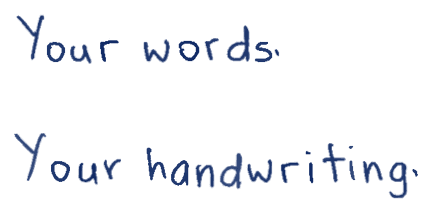
Unmistakably your handwriting
Your own letter shapes, ready for every new page.

Text to handwriting, made personal
Pick a real handwriting style or use your own. Bring your notes and math assignments to life on paper.
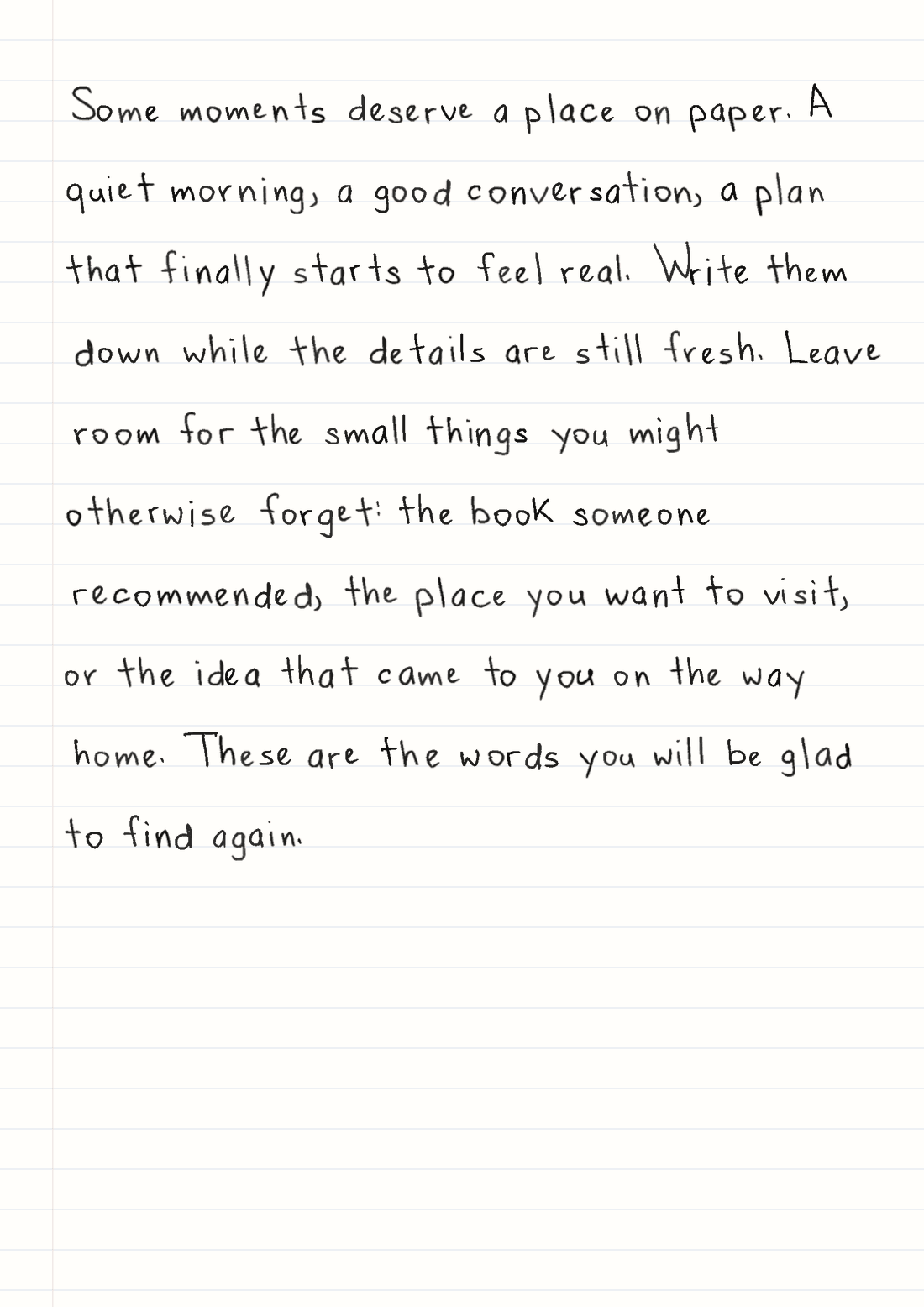
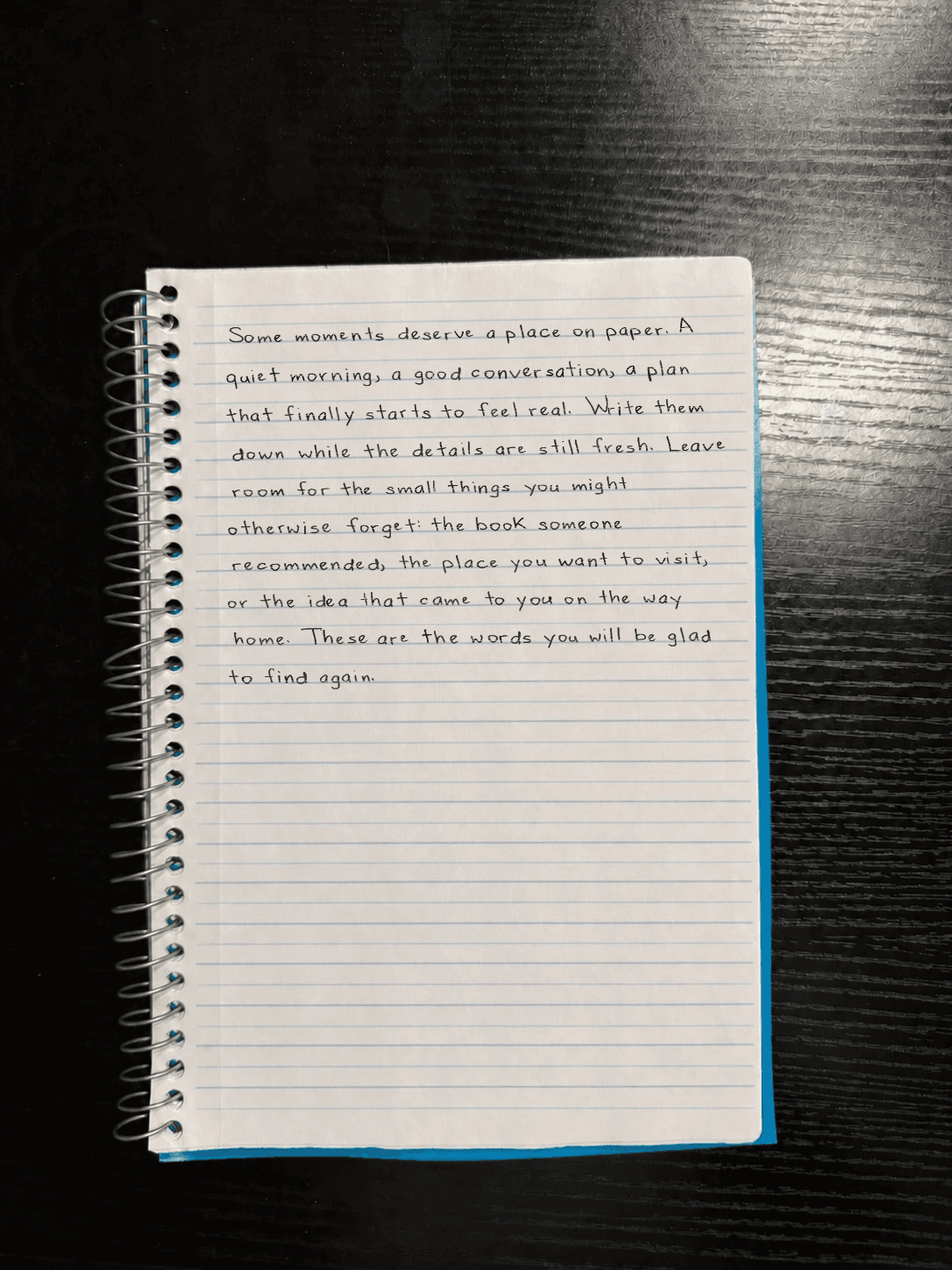
Try it now See how it worksSome moments deserve a place on paper. A quiet morning, a good conversation, a plan that finally starts to feel real.
1. Paste your text 2. Choose the look 3. Create and download
These are the words that will appear on your page.
Guest preview: 1,000 characters per generation, including spaces. The five-page guest limit also applies.
Reformat the solution above for Wrytely so I can copy it once and paste it directly into Wrytely.

OUTPUT FORMAT — MANDATORY:
- Your entire response must be exactly one fenced plain-text code block labeled text.
- The first line of your response must be three backticks immediately followed by the word text.
- The last line of your response must be three backticks.
- Put the complete solution—every explanation, equation, step, and final answer—inside that single code block.
- Do not write any introduction, note, apology, heading, or other character before or after the code block.
- Do not create a second code block and do not split the solution into multiple boxes.
- The code block is only a copyable delivery box. Inside it, output raw plain text: keep every dollar sign and LaTeX backslash visible as a literal character. Never convert the equations into visually rendered math.
- Every LaTeX command must begin with exactly one backslash. Never double the backslash and never write escaped commands such as \\mathbf or \\frac.
- The outer code block is the only Markdown allowed.

WRYTELY CONTENT RULES — FOLLOW EVERY RULE EXACTLY:
1. Write ordinary explanations as plain text.
2. Put short inline math between single dollar signs, for example $x = 2$.
3. Put every important standalone equation on one compact line between double dollar signs, for example $$x^2 - 5x + 6 = 0$$. Split long equations into separate shorter $$...$$ steps at logical equals signs; use intermediate variables if needed.
4. Inside math, use Wrytely-safe LaTeX. Preferred structures and symbols include: \frac{a}{b}, \sqrt{x}, x^2, x_i, \pm, \times, \div, \cdot, \le, \ge, \neq, \approx, \propto, \infty, \sum, \prod, \int, \pi, \theta, \sigma, \mu, \lambda, \omega, \vec{x}, \hat{x}, and \bar{x}.
5. Use \left(...\right) or \left[...\right] only when scalable grouping is needed.
6. For a piecewise result, you may use one \begin{cases}...\end{cases} block with two to four simple rows. Do not use any other LaTeX environment.
7. Do not use \(...\), \[...\], HTML, matrix, pmatrix, bmatrix, aligned, align, equation, gather, split, overbrace, or underbrace.
8. Do not put explanatory words inside math delimiters. Put them before or after the equation as plain text.
9. Never use presentation or font commands: \mathbf, \boldsymbol, \mathbb, \mathcal, \mathsf, \mathtt, \mathit, \text, \mathrm, or \operatorname. If the source uses a bold vector such as \mathbf{E}, rewrite it as \vec{E}. If bold is only emphasis, remove the bold command and keep its contents.
10. Never use a mathematical answer box: do not use \boxed, \fbox, \colorbox, or \color. The required outer plain-text code block is only a copyable delivery container; it must not contain a boxed equation.
11. Replace \overline{x} with \bar{x} and replace \overrightarrow{x} with \vec{x}.
12. Write units with ordinary letters, for example $5 m$ or $8.854 \times 10^{-12} F/m$.
13. Do not escape the math delimiters: write $ and $$ literally, never \$ or \$$.
14. COMPACT LAYOUT: do not insert empty lines anywhere inside the code block. Put each explanation or equation directly on the next line. Combine consecutive algebraic transformations into one equation with equals signs when they fit clearly, instead of creating many tiny equation blocks.
15. Preserve every necessary calculation and the final result accurately, but remove repeated givens, repeated conclusions, decorative wording, and unnecessary intermediate lines.
16. Explanation level: Use at most one short plain-text sentence for each major calculation. Do not add headings, step numbers, repeated givens, summaries, or a separate final-answer label.

Before sending, silently verify that your response contains exactly one plain-text code block, that every part of the solution is inside it, and that nothing appears outside it.
The AI must return one raw-text box using only math structures Wrytely supports.
Up to 5 pages per document. Final count is checked when you generate. Editing is free. Creating a new result uses pages; downloading it again does not.
Happy with your text and style? Create your page.
Guest preview
5 of 5 pages remaining
Watermarked preview.
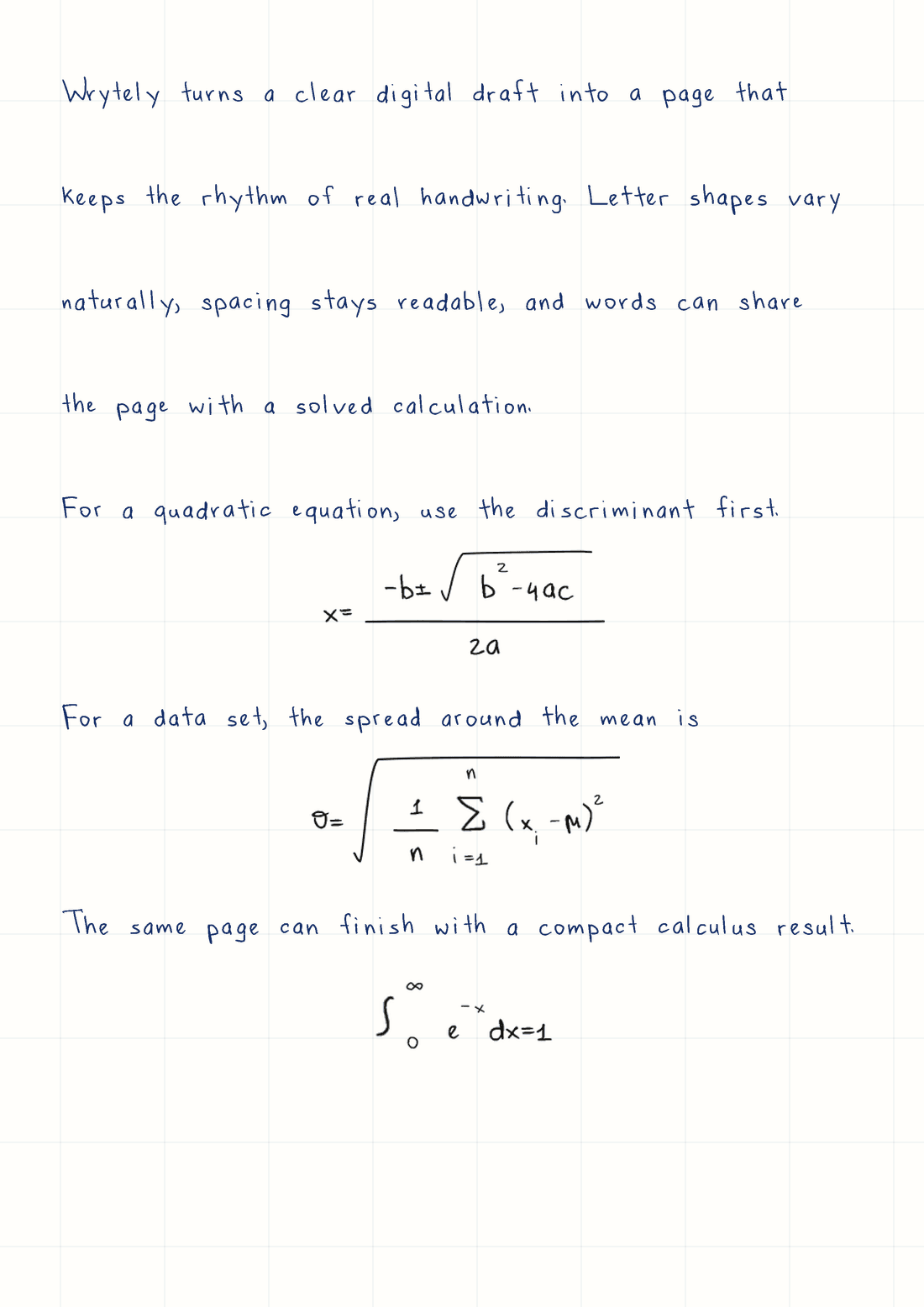
Real Wrytely output
This is a sample. Click Create my page to see your own text here.
From the template guide to your handwritten PDF. In under two minutes.
Your own letter shapes, ready for every new page.
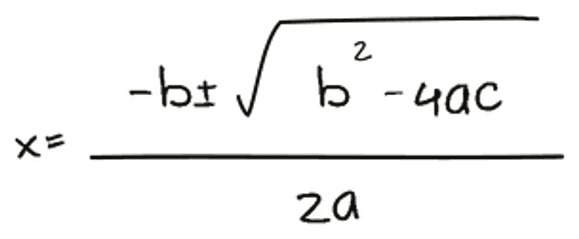
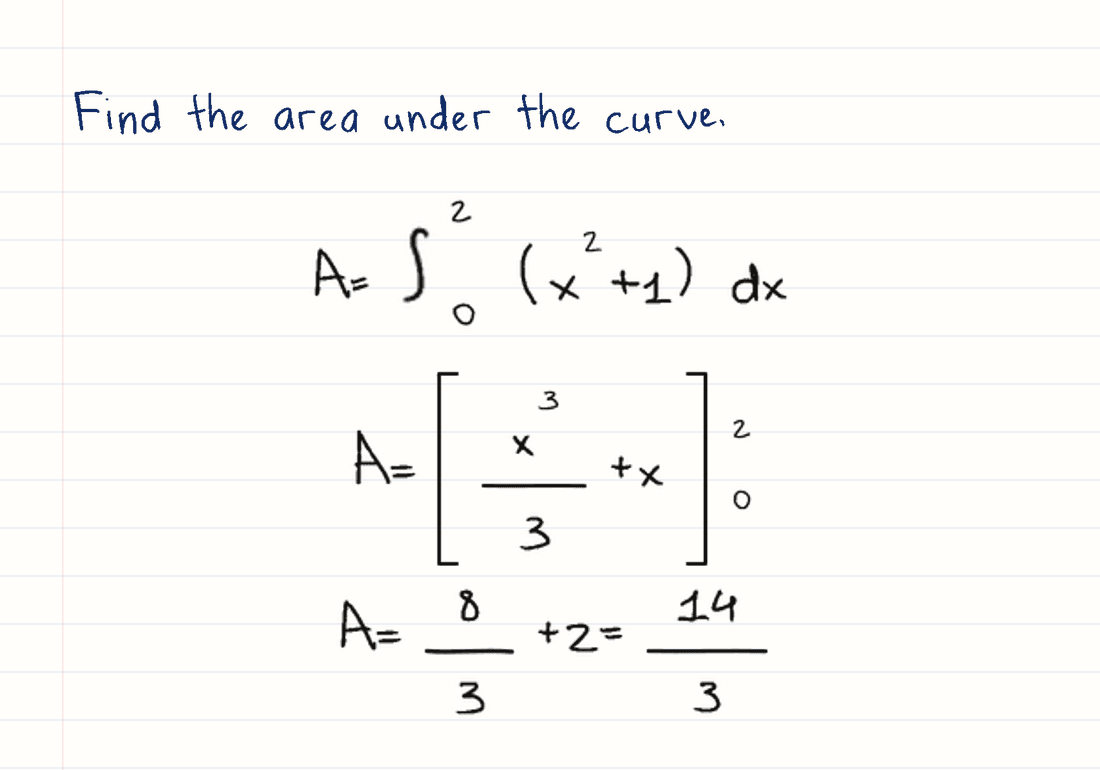
Proper fractions, roots and integrals in your writing.
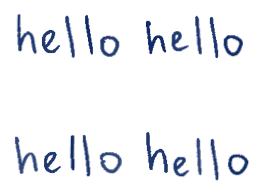
Real variations make repeated words feel natural.
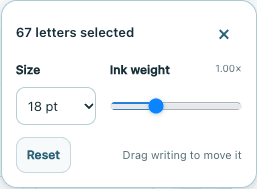
Fine-tune individual letters, size and ink weight.
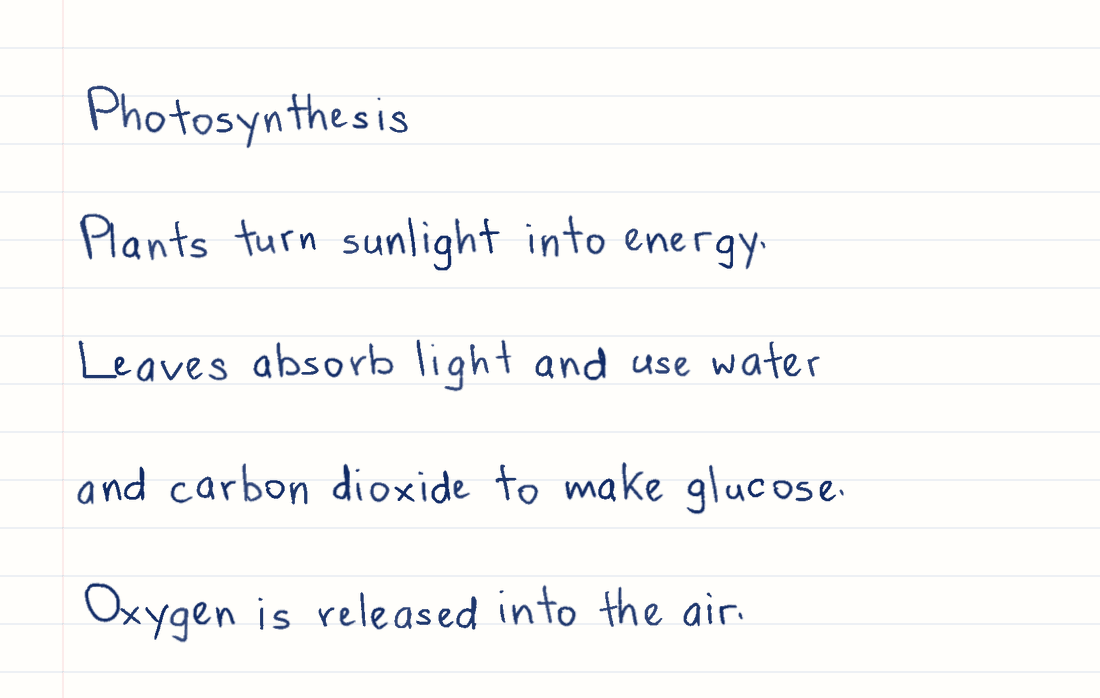
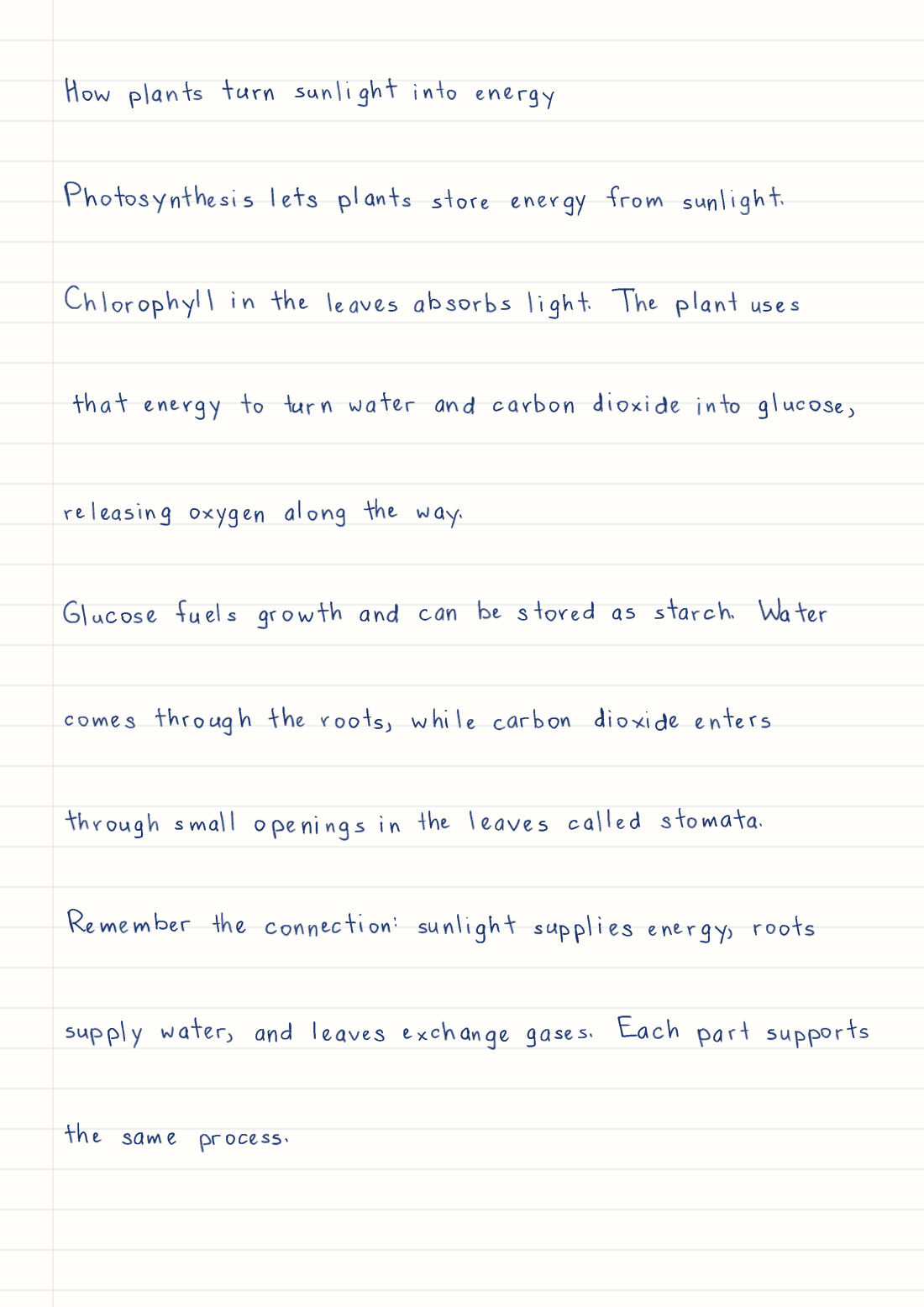
A real biology lesson, ready for your notebook.
Lined paper · Sample handwriting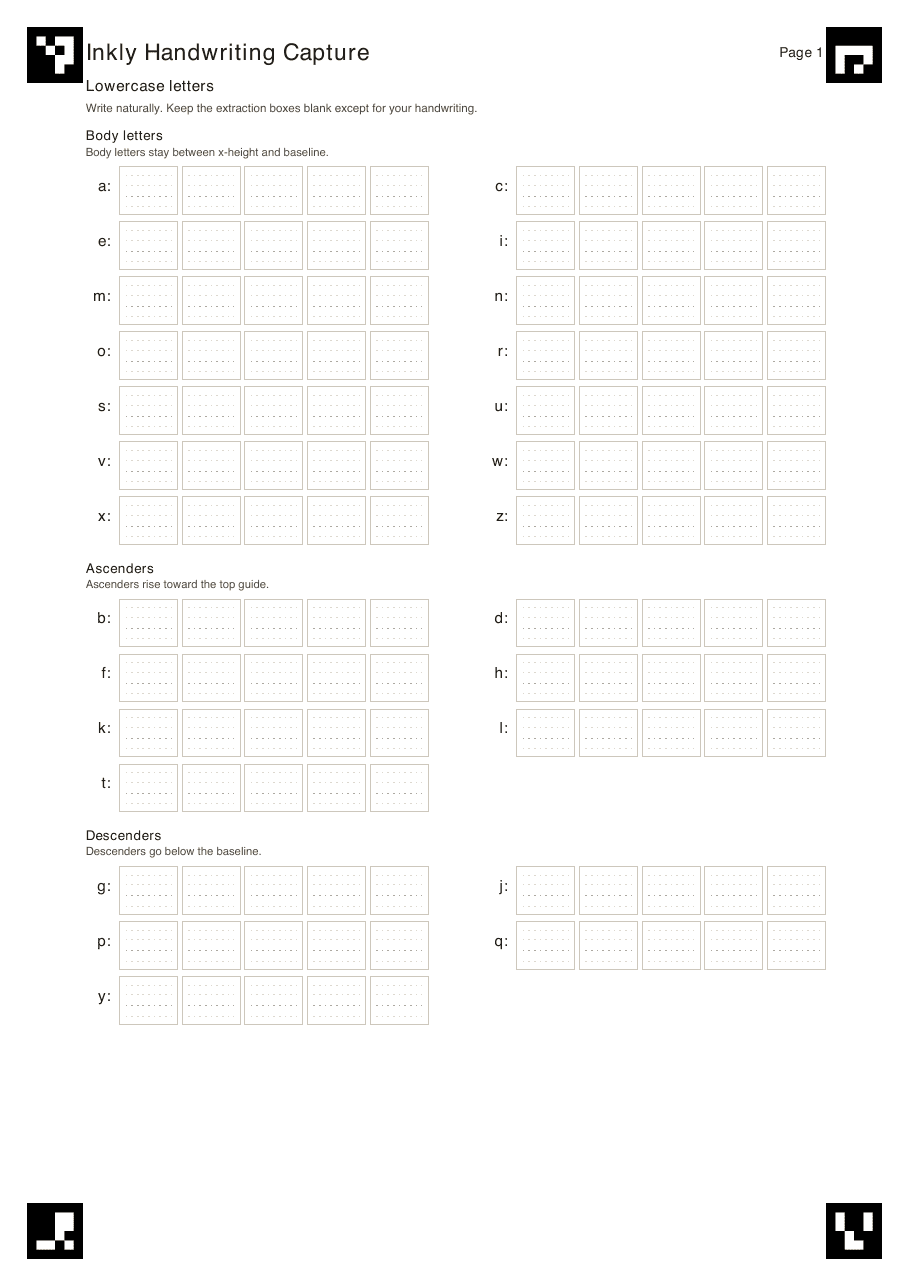

Solve it with your favourite AI. Use our formatting guide, then turn your checked answer into your own handwriting.
Try handwritten math Get the AI formatting prompt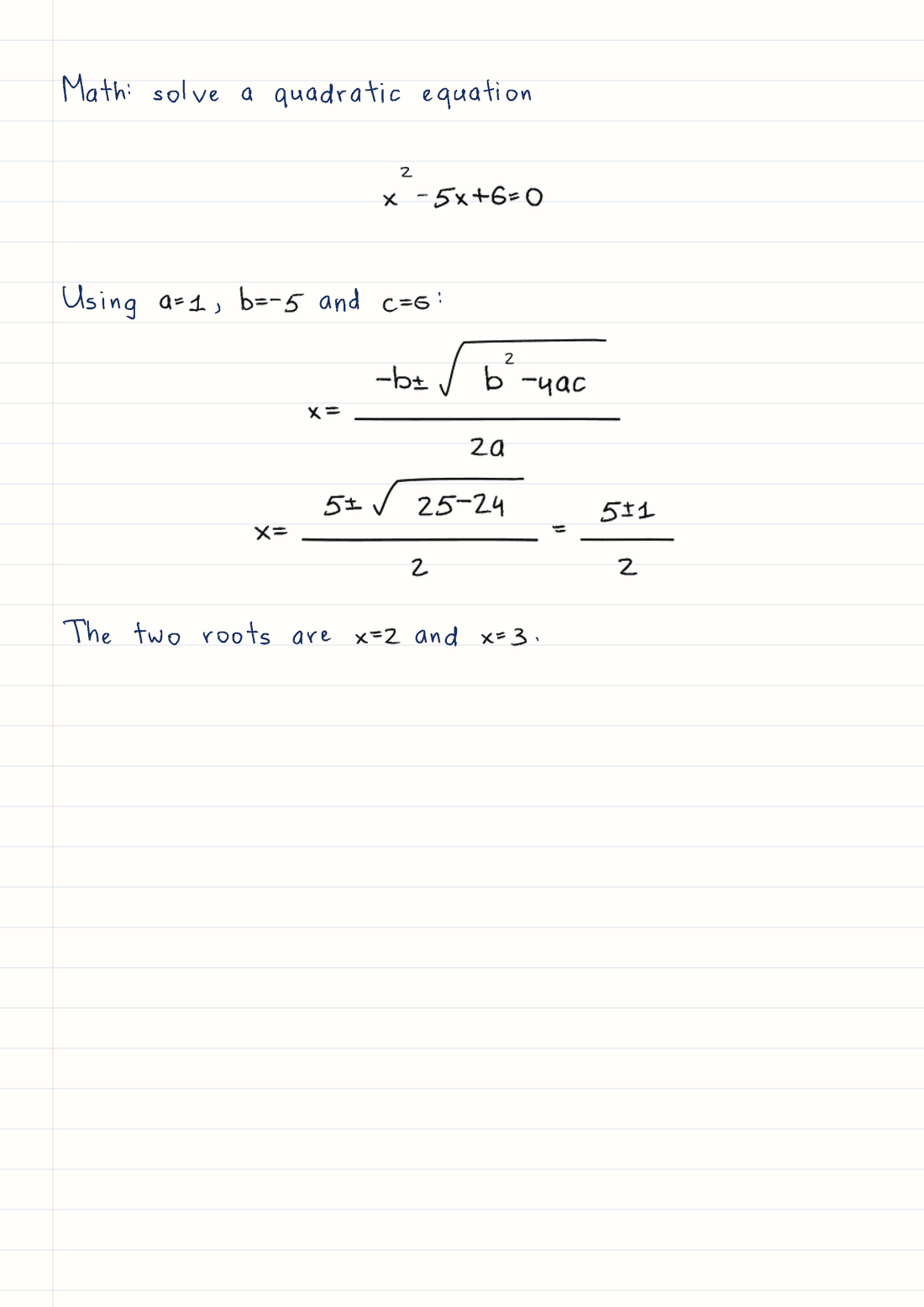
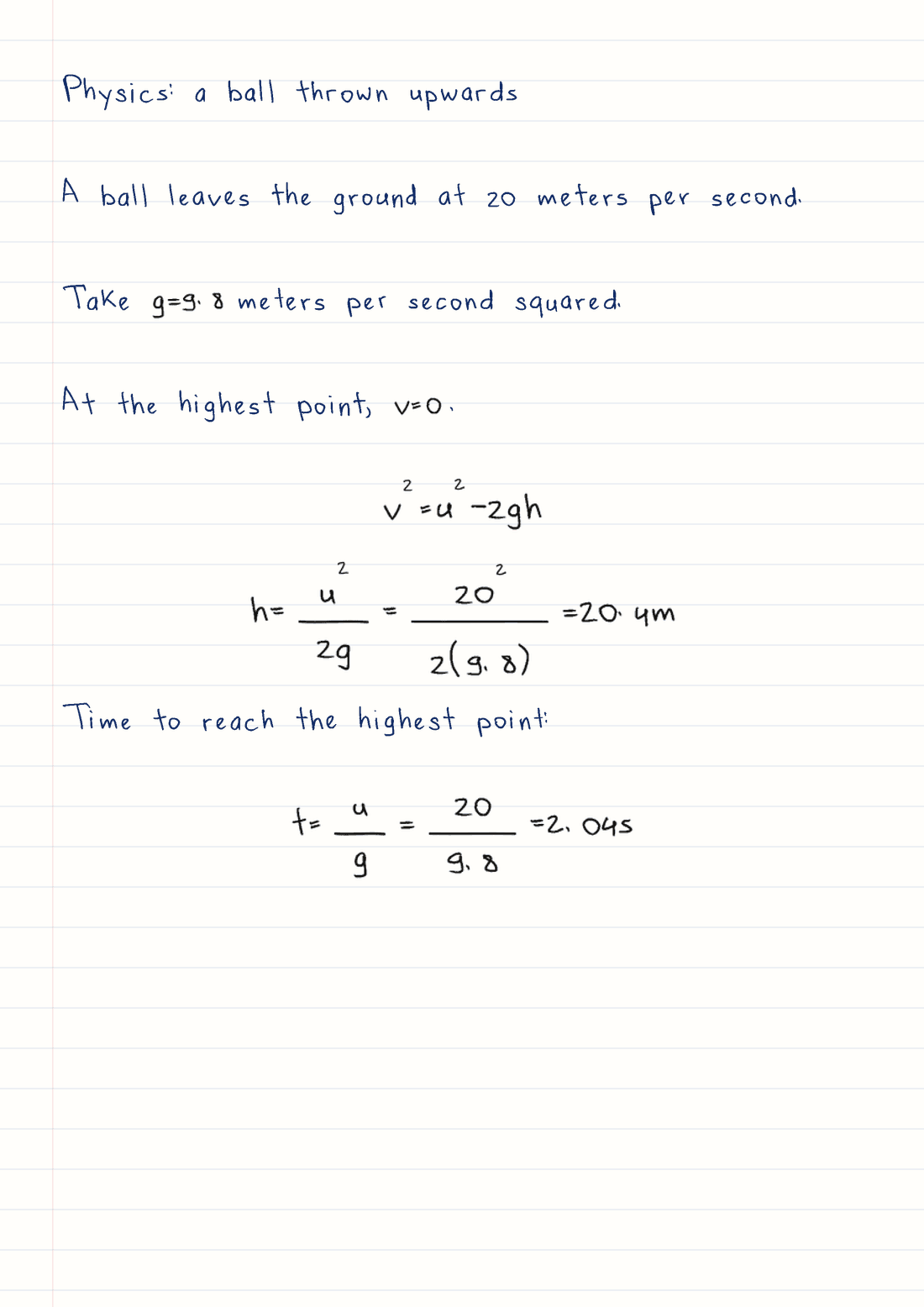
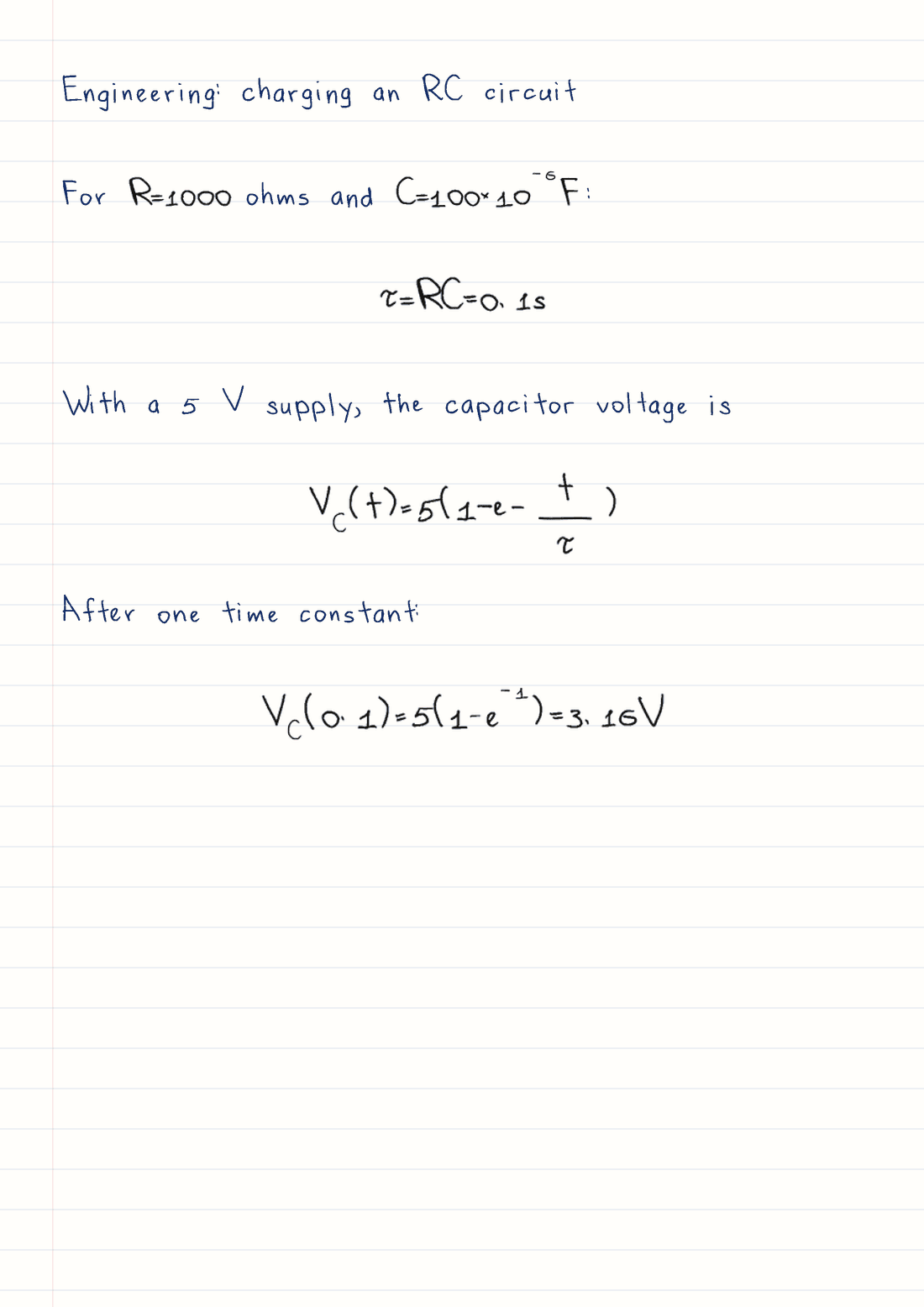
The same words, two ways to save them.
$0 to get started
$7.99 per month
$9.99 per month
Fill Wrytely’s three template pages on paper or a tablet, then upload them to create your personal style. Choose that style in Studio, paste your text and download your handwritten pages. Personal styles are available with Plus and Pro.
Yes. Try up to five watermarked guest preview pages, or create a Free account for 10 finished pages each week with watermark-free PNG and PDF downloads. Guest pages you claim count toward your first weekly allowance.
Paste your notes into Studio, choose your handwriting and paper, then generate the pages. Select Download PDF to save them together in one document, ready to share or print.
Yes. Paste your prepared solutions into Math Mode to create handwritten equations and explanations together. Sample math handwriting is available on Free; Pro adds your own handwriting for supported math symbols.
Yes. Open the template on a tablet and fill it with a stylus, or print it and use a pen. Upload each completed page as a clear photo, image or single-page PDF.
Yes. Photo Mode places your handwriting onto photographed notebook pages. Choose a background, preview the full result and download it. Photo Mode is available with Plus and Pro.
Yes. Adjust your page layout, ink, size and spacing in Studio. You can also fine-tune individual letters in the generated page before saving your result.
Start with a sample style. Make it yours when you’re ready.
Make my first page
Your next page is in good company.
Wrytely users include people from these universities.