 Wrytely Studio
Repeated letters can look naturally different.
Multiple captured variants help the same character feel written, not stamped.

About Wrytely
Wrytely turns supplied text and solved math into handwritten pages. Start with a sample style, or create a private personal style from your own writing samples.
Letters can repeat without every shape looking copied.
What makes Wrytely different
Wrytely learns from multiple samples of your writing. It does not force every repeated letter or equation into one copied font shape.
Multiple captured variants help the same character feel written, not stamped.
Complete the two Math pages once. Wrytely combines your numbers, operators, and Math marks into solutions that still look like you.
Generated by Wrytely
Compare difficult Physics, Math, and Engineering work at once. Every page came from the same production renderer used by Studio.
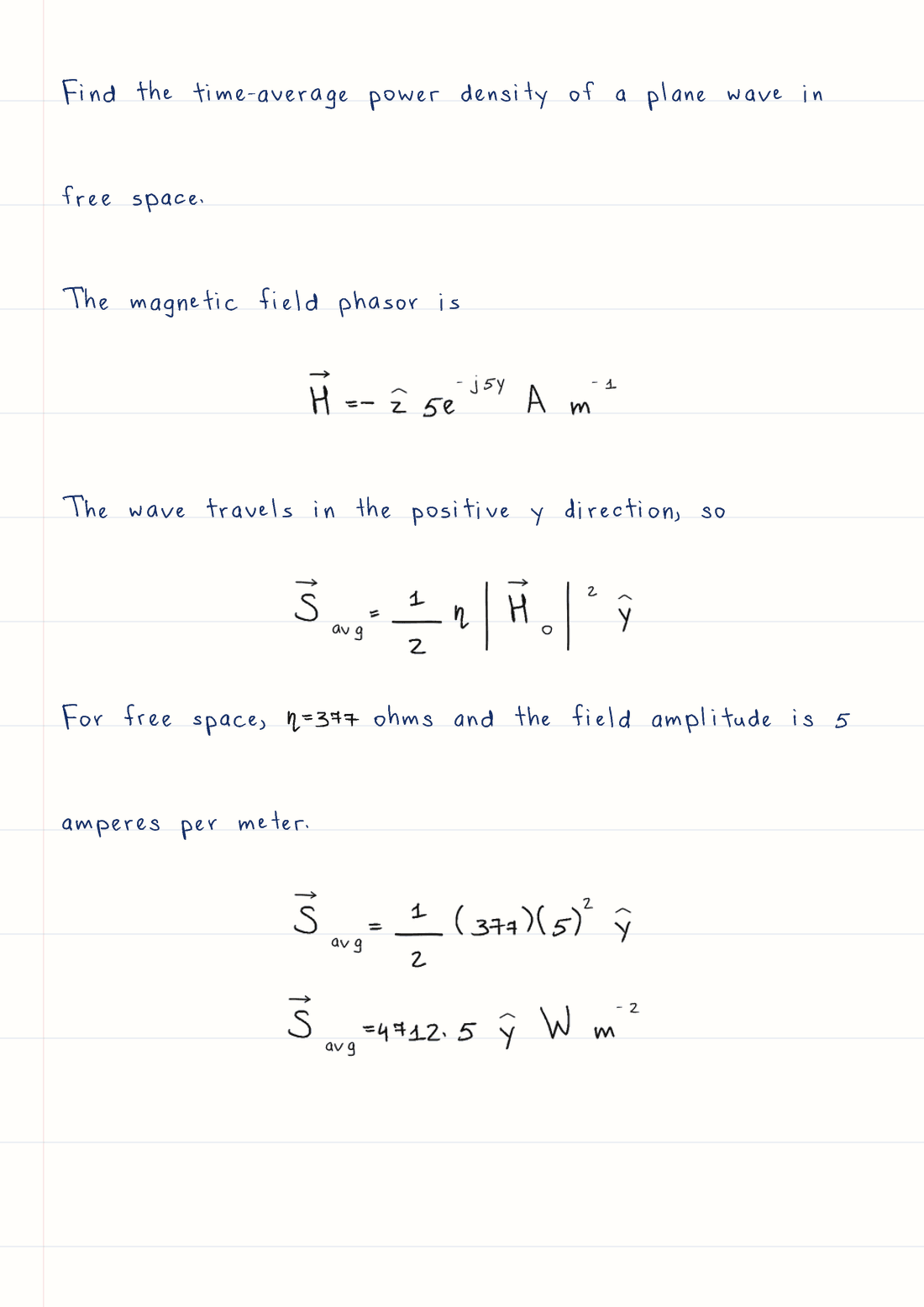
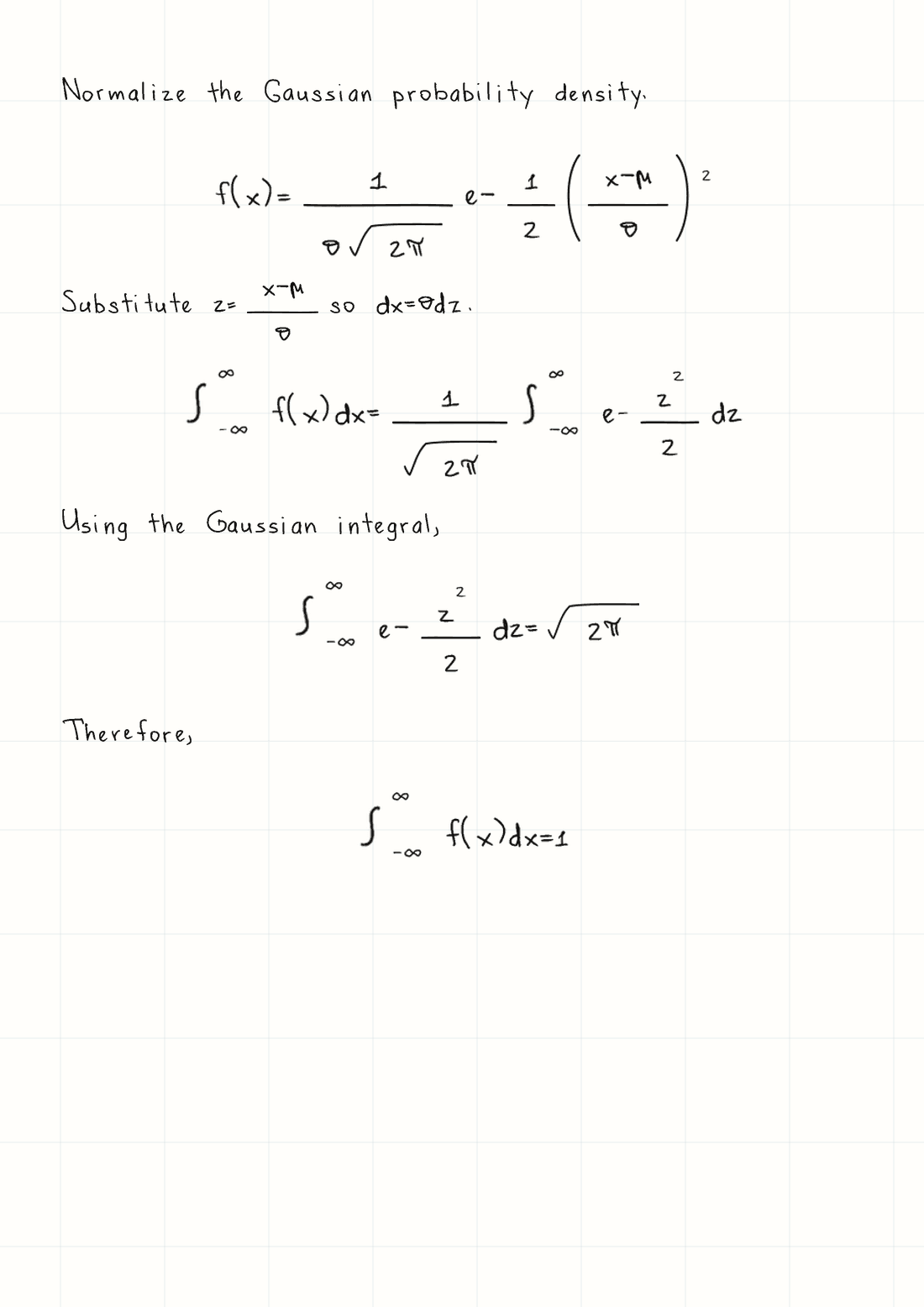
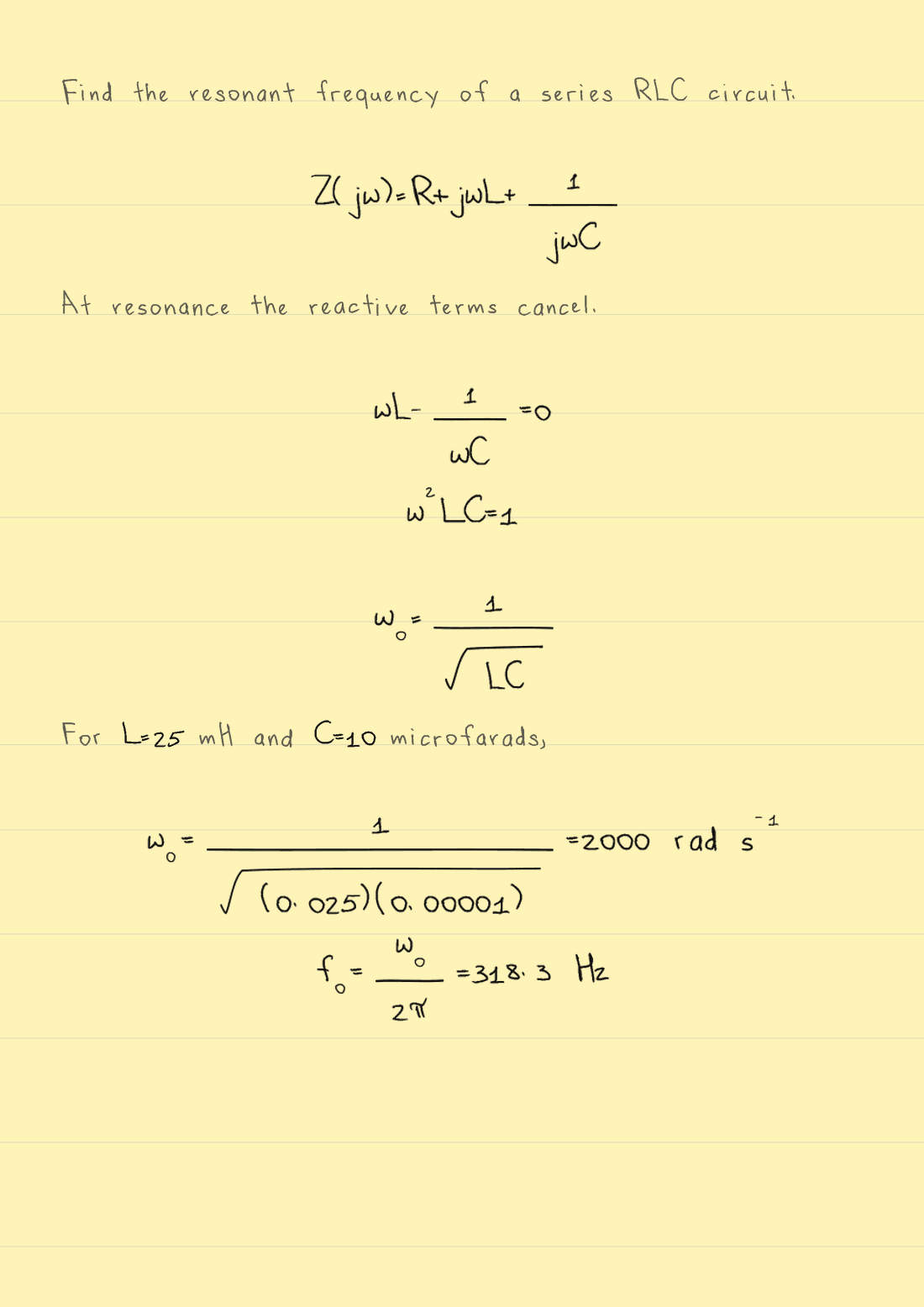
These are prepared solutions. Wrytely formats the work you provide; it does not solve the problem for you.
Change the background, then move your pointer or finger over the page. The writing is an actual Wrytely render, revealed under your movement.
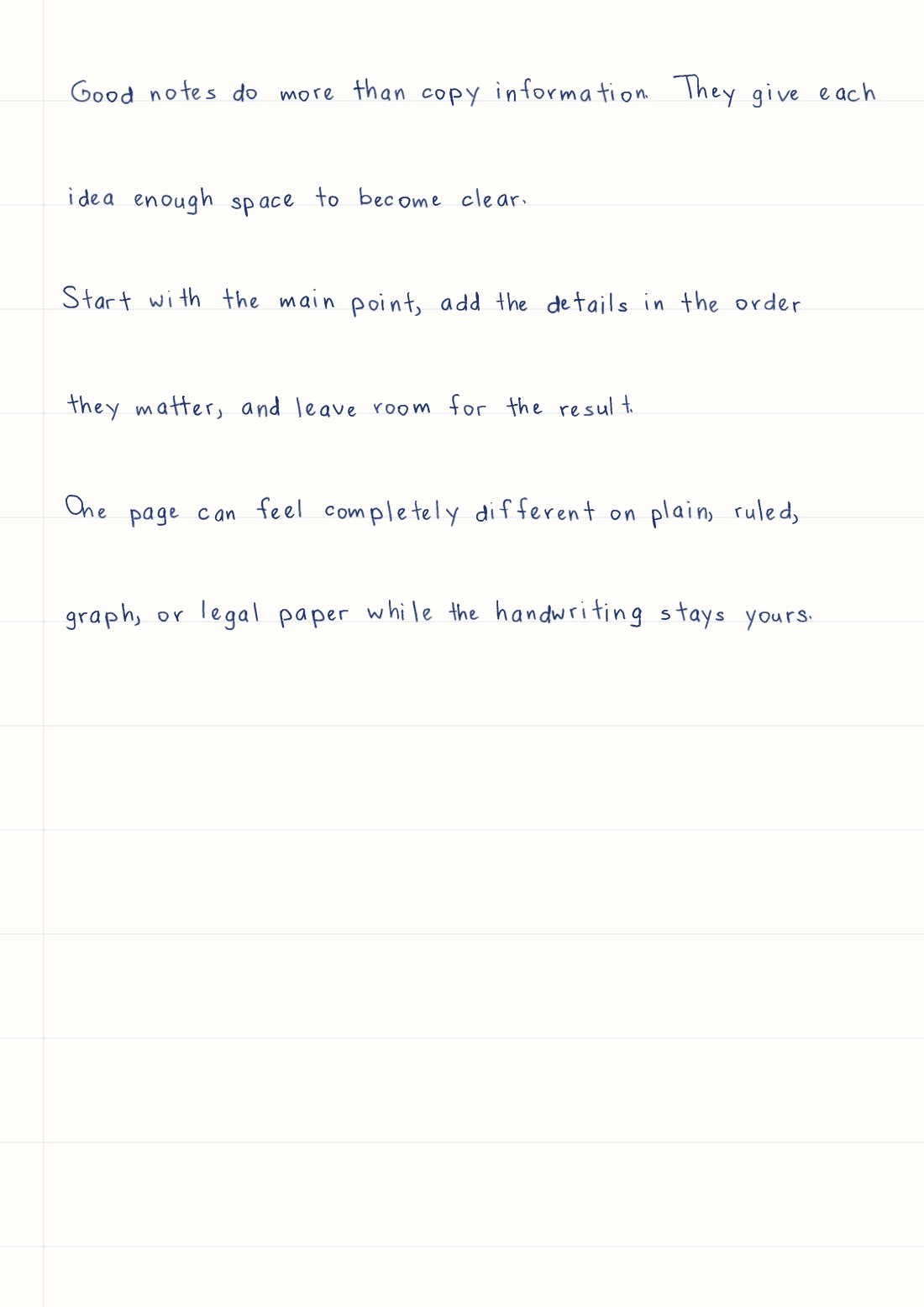
Plain, ruled, graph, and legal paper use the same words and handwriting.See the whole workflow
Move through the three steps. You choose the words and the look before Wrytely spends a page.
See the text-to-handwriting workflowPaste normal text or a prepared Math solution. Your draft stays editable until you choose to generate.
No retyping for normal textTomorrow's notes: wave motion, energy, and one worked example.
Your handwriting
Complete the guided text template on a tablet or printed A4 paper. Wrytely turns those samples into a private style you can use again without filling the template for every document.
Try Math Mode free
Turn a typed solution into a handwritten page with a sample style. Pro lets supported Math use your own writing samples.
Try Math Mode free Format a solved problem for WrytelyFind the area under the curve.
Start where you are
Start with no commitment. Upgrade only when you want your own handwriting or Math in the same personal style.
Keep everything in Plus, then complete only Math pages 4-5 to add your numbers, operators, and supported Math symbols.
Before your first page
A normal font usually has one fixed shape for each character. Wrytely builds your style from multiple captured samples and adds natural layout variation, so repeated letters do not have to look exactly the same.
Fill text pages 1-3 of the Wrytely template on a tablet or printed A4 paper. Upload each tablet export or clear page photo in its labeled section, then review and save your handwriting style. Cursive handwriting is not supported.
Yes. Pro lets you complete the separate Math pages 4-5 so supported equations, numbers, and symbols can use your handwriting too. Normal explanations and Math stay together in one consistent style.
You keep the handwriting style created from pages 1-3. To add Math, you complete only the Math extension on pages 4-5. You do not need to fill the original text template again.
Yes. You can explore the Studio before uploading your handwriting. Create a free account to generate with a prebuilt style; Free includes 10 finalized pages each week. Eligible accounts can also try Plus or Pro for three days with no charge today; a card is required and billing begins afterward unless canceled.
Free includes prebuilt handwriting and Math Mode with a sample style. Plus adds one active custom handwriting style for text documents. Pro adds more custom-style capacity and Math in your handwriting. The account page shows the current allowances before you choose.
Paste your text, choose the handwriting, paper, ink, size, spacing, and margins, then select Generate. Generation creates the finalized pages used by the preview, PNG, and PDF. If you change the text or formatting afterward, the next Generate action creates a new result and counts as new usage.
Turn on Math Mode and open the built-in formatting guide beside it. Choose no, short, or detailed explanation, copy the exact prompt, and give it to ChatGPT with your solved problem. Paste the returned single text block into Wrytely and generate it.
Wrytely exports the same finalized document as PNG or PDF. You can choose plain, ruled, graph, legal-pad, or transparent paper and create multi-page documents within your plan allowance.
Uploaded styles are protected by account ownership and private signed access. You can permanently delete a style from your account. Use only handwriting you own or have permission to process.
Your next page
Start with a free account and a prebuilt style. Generate up to 10 finalized pages each week before you upgrade.