Start with a ready-made handwriting style
Paste your text and make a handwritten page right away. Small changes in spacing keep the writing from looking copied.

Online text to handwriting converter
Convert typed text to natural-looking handwriting online. Choose a style, paper, and ink, then download finished pages as PNG or PDF.
Free accounts include 10 finished pages each week. Sign in to generate and download.
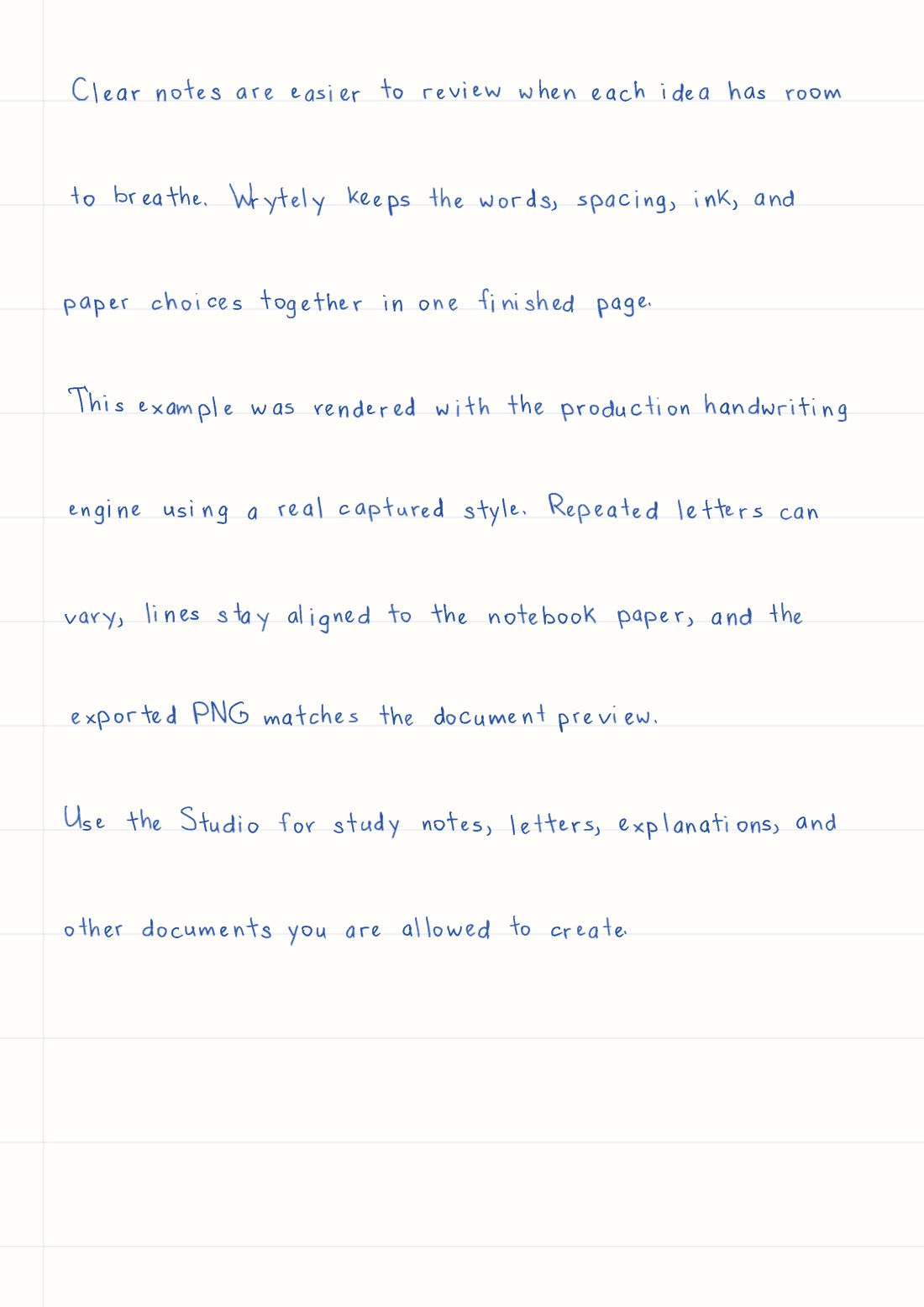
Clear notes are easier to review when each idea has room to breathe. Wrytely keeps the words, spacing, ink, and paper choices together in one finished page.

This example was made by Wrytely with a real handwriting style.
Wrytely put the same words on ruled A4 paper with blue ink. The page beside it is the real PNG.
Made for this job
Paste your text and make a handwritten page right away. Small changes in spacing keep the writing from looking copied.
Choose the page size, direction, margins, text size, spacing, paper, and ink before you create the final page.
Use PNG for an image of the page or PDF for a document that is easy to save and print. Multi-page PNG results download together in a ZIP file.
How it works
Follow these steps. You can check your text and page before you create the final version.
Open Studio and enter the words you want. The counter shows how much text your plan allows.
Choose a ready-made style or your own style. Then set the paper, ink, page size, margins, and spacing.
Create the final pages, check them, and download them. Downloading the same result again does not use more pages.
Good to know
Create A4 or US Letter pages. Make them upright or sideways, with small, medium, or large margins.
Use plain white, ruled notebook, legal pad, graph paper, or a transparent background for different kinds of documents.
Wrytely can make small changes in letter placement and spacing, so the page feels more natural.
Editing is free. A page counts only when you choose Generate and make the final version.
Questions
Yes. You can preview up to 5 watermarked pages before signing up. A Free account removes the watermark and includes 10 finalized pages each week; pages used for your guest preview count toward that first weekly allowance.
Yes. Plus and Pro can make a style from your handwriting. Fill out the current template on an iPad and upload it.
Yes. Download any finished document as a PDF. You can also get one PNG or a ZIP with one PNG for each page.
Wrytely supports A4 and US Letter pages, upright or sideways pages, and plain, ruled, legal-pad, graph-paper, or transparent backgrounds.
Yes. Pro includes Math Mode for supported equations and solved-problem formatting. Wrytely formats the content you provide; it does not solve the problem for you.
Paste your text, choose a ready-made style, format the page, and download the finished result.
Try this text in Studio