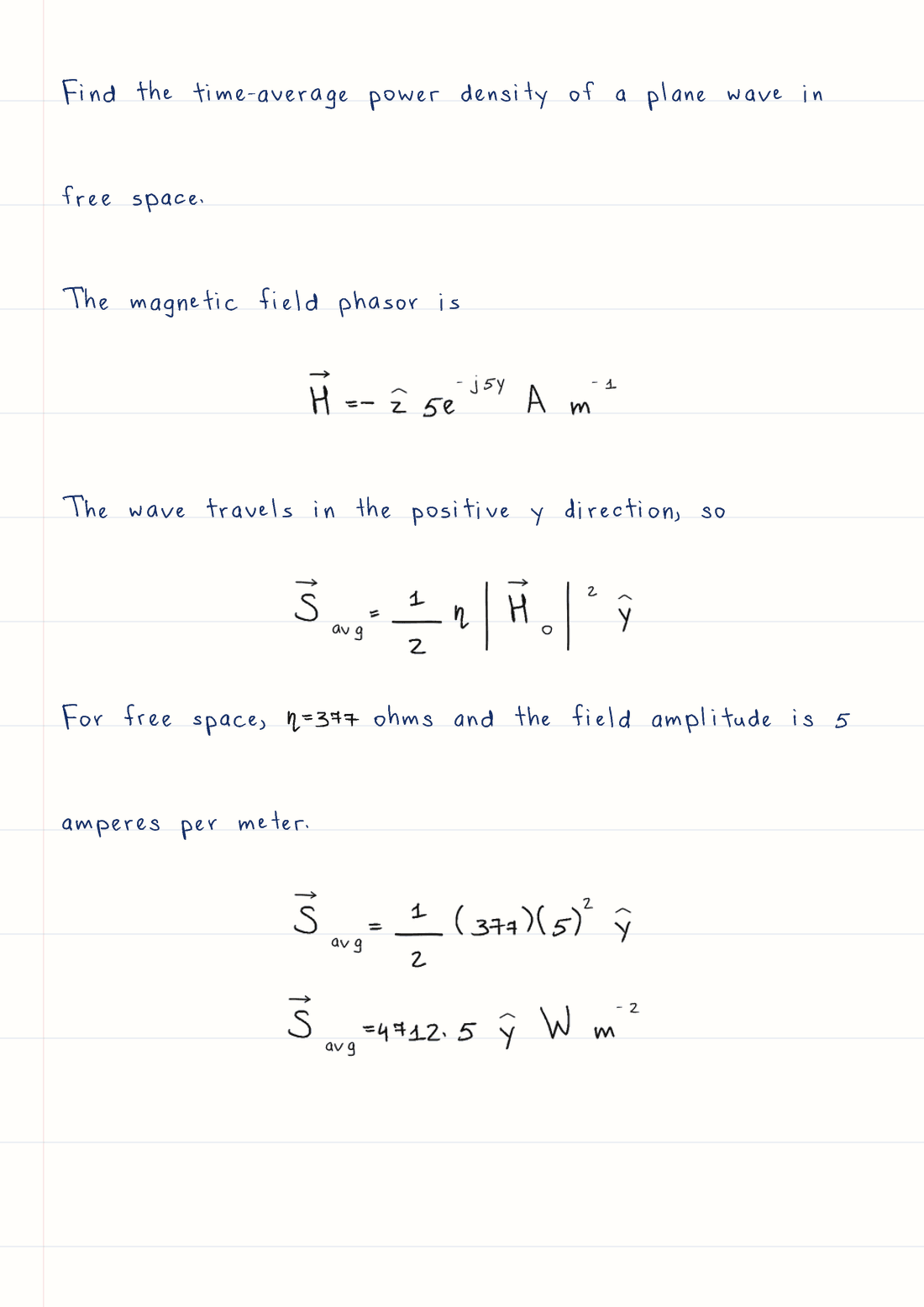
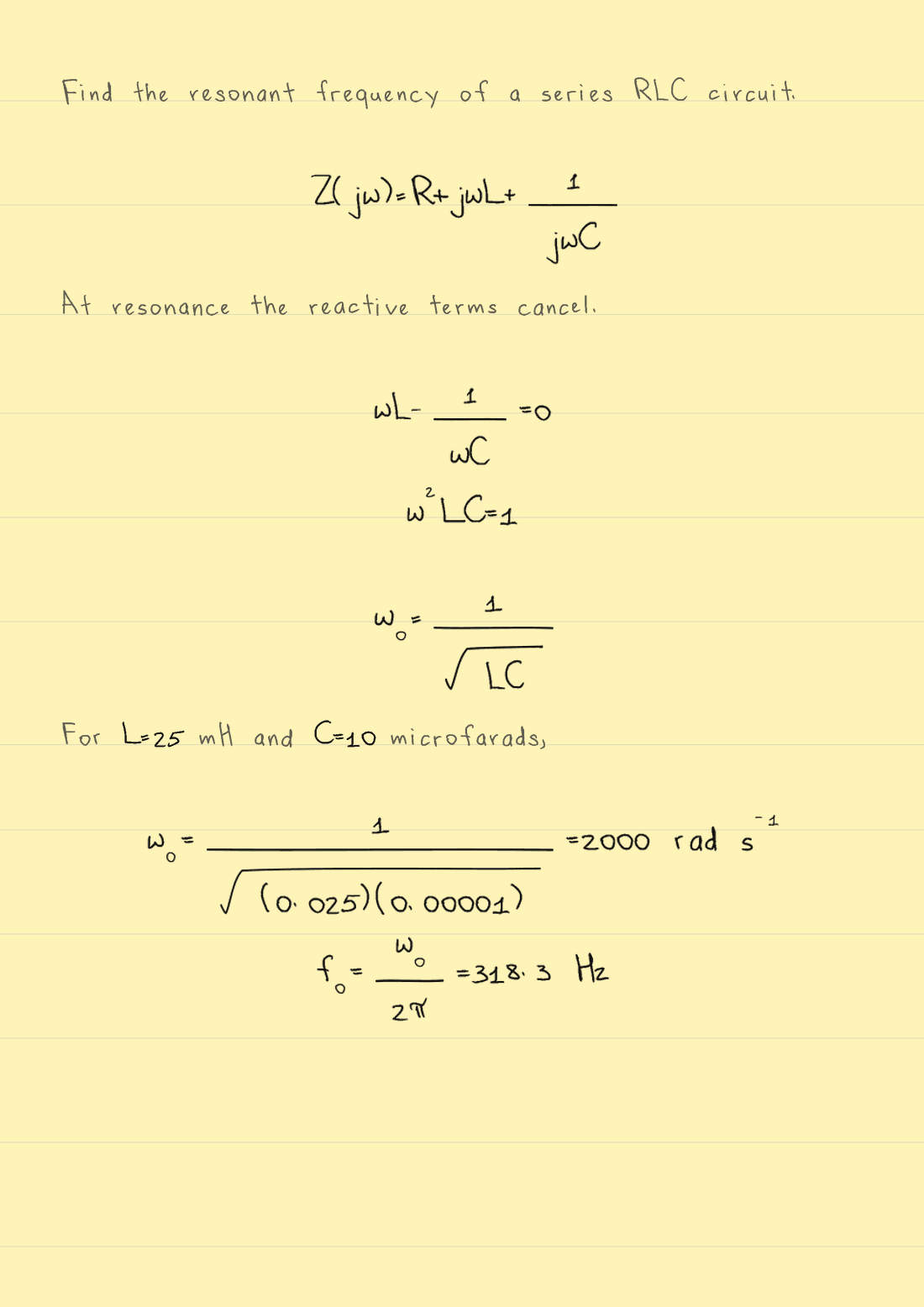
01
Add your text
Paste text or a solved problem. You can edit it before you generate.
Editing does not use a page.
Use a ready-made style or create one from your own writing, then export finished PNG and PDF pages.
Guest preview: 1,000 characters per generation, including spaces. The five-page guest limit also applies.
Reformat the solution above for Wrytely so I can copy it once and paste it directly into Wrytely.

OUTPUT FORMAT — MANDATORY:
- Your entire response must be exactly one fenced plain-text code block labeled text.
- The first line of your response must be three backticks immediately followed by the word text.
- The last line of your response must be three backticks.
- Put the complete solution—every explanation, equation, step, and final answer—inside that single code block.
- Do not write any introduction, note, apology, heading, or other character before or after the code block.
- Do not create a second code block and do not split the solution into multiple boxes.
- The code block is only a copyable delivery box. Inside it, output raw plain text: keep every dollar sign and LaTeX backslash visible as a literal character. Never convert the equations into visually rendered math.
- Every LaTeX command must begin with exactly one backslash. Never double the backslash and never write escaped commands such as \\mathbf or \\frac.
- The outer code block is the only Markdown allowed.

WRYTELY CONTENT RULES — FOLLOW EVERY RULE EXACTLY:
1. Write ordinary explanations as plain text.
2. Put short inline math between single dollar signs, for example $x = 2$.
3. Put every important standalone equation on one compact line between double dollar signs, for example $$x^2 - 5x + 6 = 0$$. Split long equations into separate shorter $$...$$ steps at logical equals signs; use intermediate variables if needed.
4. Inside math, use Wrytely-safe LaTeX. Preferred structures and symbols include: \frac{a}{b}, \sqrt{x}, x^2, x_i, \pm, \times, \div, \cdot, \le, \ge, \neq, \approx, \propto, \infty, \sum, \prod, \int, \pi, \theta, \sigma, \mu, \lambda, \omega, \vec{x}, \hat{x}, and \bar{x}.
5. Use \left(...\right) or \left[...\right] only when scalable grouping is needed.
6. For a piecewise result, you may use one \begin{cases}...\end{cases} block with two to four simple rows. Do not use any other LaTeX environment.
7. Do not use \(...\), \[...\], HTML, matrix, pmatrix, bmatrix, aligned, align, equation, gather, split, overbrace, or underbrace.
8. Do not put explanatory words inside math delimiters. Put them before or after the equation as plain text.
9. Never use presentation or font commands: \mathbf, \boldsymbol, \mathbb, \mathcal, \mathsf, \mathtt, \mathit, \text, \mathrm, or \operatorname. If the source uses a bold vector such as \mathbf{E}, rewrite it as \vec{E}. If bold is only emphasis, remove the bold command and keep its contents.
10. Never use a mathematical answer box: do not use \boxed, \fbox, \colorbox, or \color. The required outer plain-text code block is only a copyable delivery container; it must not contain a boxed equation.
11. Replace \overline{x} with \bar{x} and replace \overrightarrow{x} with \vec{x}.
12. Write units with ordinary letters, for example $5 m$ or $8.854 \times 10^{-12} F/m$.
13. Do not escape the math delimiters: write $ and $$ literally, never \$ or \$$.
14. COMPACT LAYOUT: do not insert empty lines anywhere inside the code block. Put each explanation or equation directly on the next line. Combine consecutive algebraic transformations into one equation with equals signs when they fit clearly, instead of creating many tiny equation blocks.
15. Preserve every necessary calculation and the final result accurately, but remove repeated givens, repeated conclusions, decorative wording, and unnecessary intermediate lines.
16. Explanation level: Use at most one short plain-text sentence for each major calculation. Do not add headings, step numbers, repeated givens, summaries, or a separate final-answer label.

Before sending, silently verify that your response contains exactly one plain-text code block, that every part of the solution is inside it, and that nothing appears outside it.
The AI must return one raw-text box using only math structures Wrytely supports.
Ready to create your document.
Guest preview
5 of 5 pages remaining
Watermarked preview.
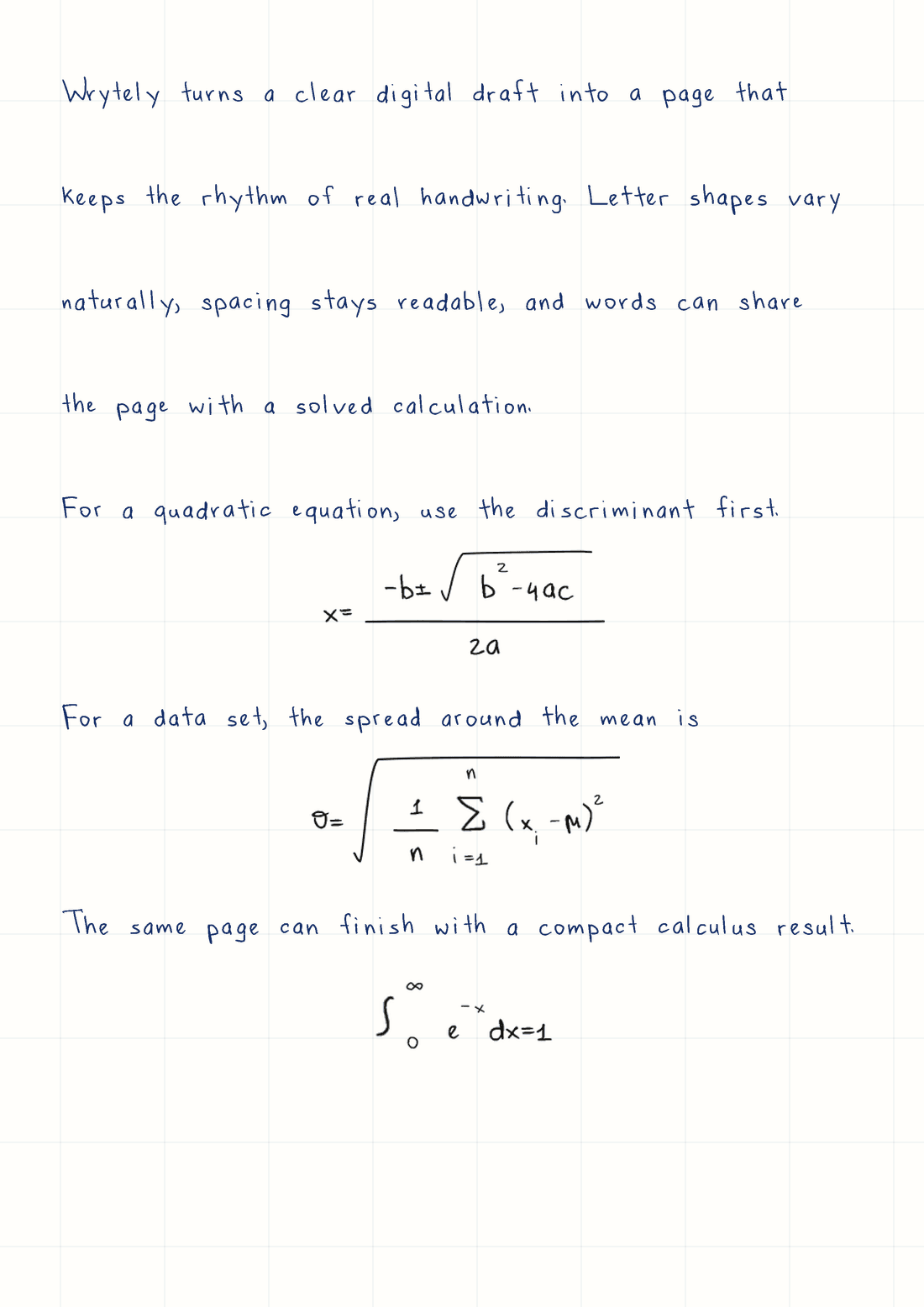
Real Wrytely output
Text + Math · Graph paper · Dark blue ink. Your page replaces this example.
How text to handwriting works
A page only counts when you press Generate.
Paste text or a solved problem. You can edit it before you generate.
Editing does not use a page.Pick the handwriting, paper, ink, spacing, margins, and page size.
Wrytely formats your work. It does not write or solve it.Check the finished pages, then save them as PNG files or one PDF.
The preview and download match.Real text-to-handwriting examples
Open any page to inspect the handwriting, equations, spacing, paper, and final layout.
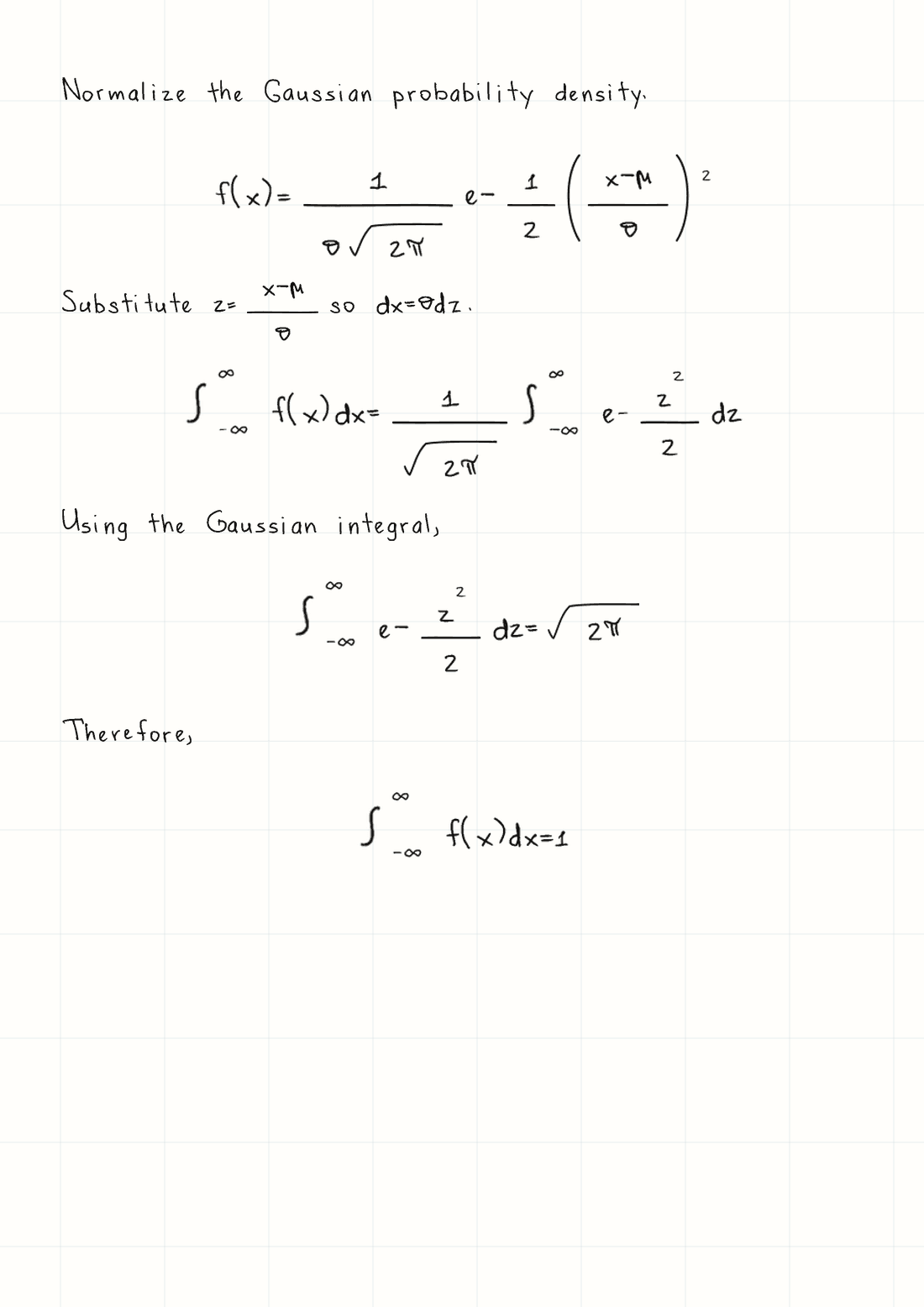
A Gaussian normalization proof with infinite bounds, roots, and nested fractions in readable handwriting.
A4 · Graph paper · Black inkChoose a subject to bring its card to the front.
View the full technical pagesMore than a handwriting font
Wrytely can use different samples of the same letter. Repeated words look less copied and more natural.
Repeated letters can use different captured shapes.
Text, supported Math, paper, and ink stay consistent.
Nothing generates until you press the button.
Create your handwriting
Complete the guided template with writing you own. Your captured style stays ready for the next note, explanation, or letter.
Math Mode
Paste a solution you already have. Math Mode writes the explanation and supported equations in the same style.
Wrytely formats your solution. It does not solve the problem.
Explore Math handwritingHow it works
Paste your answer and the steps you want on the page.
Explanations, fractions, roots, integrals, and symbols share one style.
Choose the paper and ink, then download the result as PNG or PDF.
Actual page made by WrytelyUse it your way
Bring text you already wrote or solved, then choose how the finished handwritten page should look.
Turn a clean typed outline into pages that are easier to annotate and review.
Format a solution you already have with supported Math and explanatory text.
Give personal writing a familiar handwritten finish without copying it line by line.
Keep handwriting, paper, margins, spacing, and ink consistent across every page.
Plans at a glance
Use a ready-made style first. Pay when you want your own handwriting, clean exports, or Math.
$0 to explore the full flow
$7.99 per month
$9.99 per month
Your writing. Your control.
Uploaded styles use account ownership and private signed access.
Delete a handwriting style permanently from your account.
Use only handwriting you own or have permission to process.
Yes. Paste your text into Studio, choose a ready-made style or your own handwriting, set the paper and ink, then generate downloadable PNG or PDF pages.
Yes. Create a free account and generate with a ready-made handwriting style. You can add your own handwriting later with Plus or Pro.
No. Wrytely formats the solved work you provide. Its built-in guide helps you prepare supported Math so the explanation and equations render cleanly together.
You can download the finalized document as PNG pages or one PDF. The preview and downloads use the same generated result.
You complete a guided template with your real writing. Wrytely uses the captured letters, numbers, and punctuation to build a private reusable style.
Your styles are protected by account ownership and private signed access. You can permanently delete a style from your account.
A page counts when you generate a finalized document. Editing text or formatting before generation does not spend a page.
Your first page is ready when you are
Paste your own draft into Studio, choose the page, then generate when everything looks right.